The Browser Button method
In this method, we'll create a button on your browser you can click to bookmark the current page in Feathermarks, with no special software installs required.
You can click the link below to try it out. On desktop you can actually drag this hyperlink to the bookmarks bar at the top of your browser and it will automatically save to your bookmarks. At that point you just need to click this 'bookmark' to trigger the 'Save to Feathermarks' action.
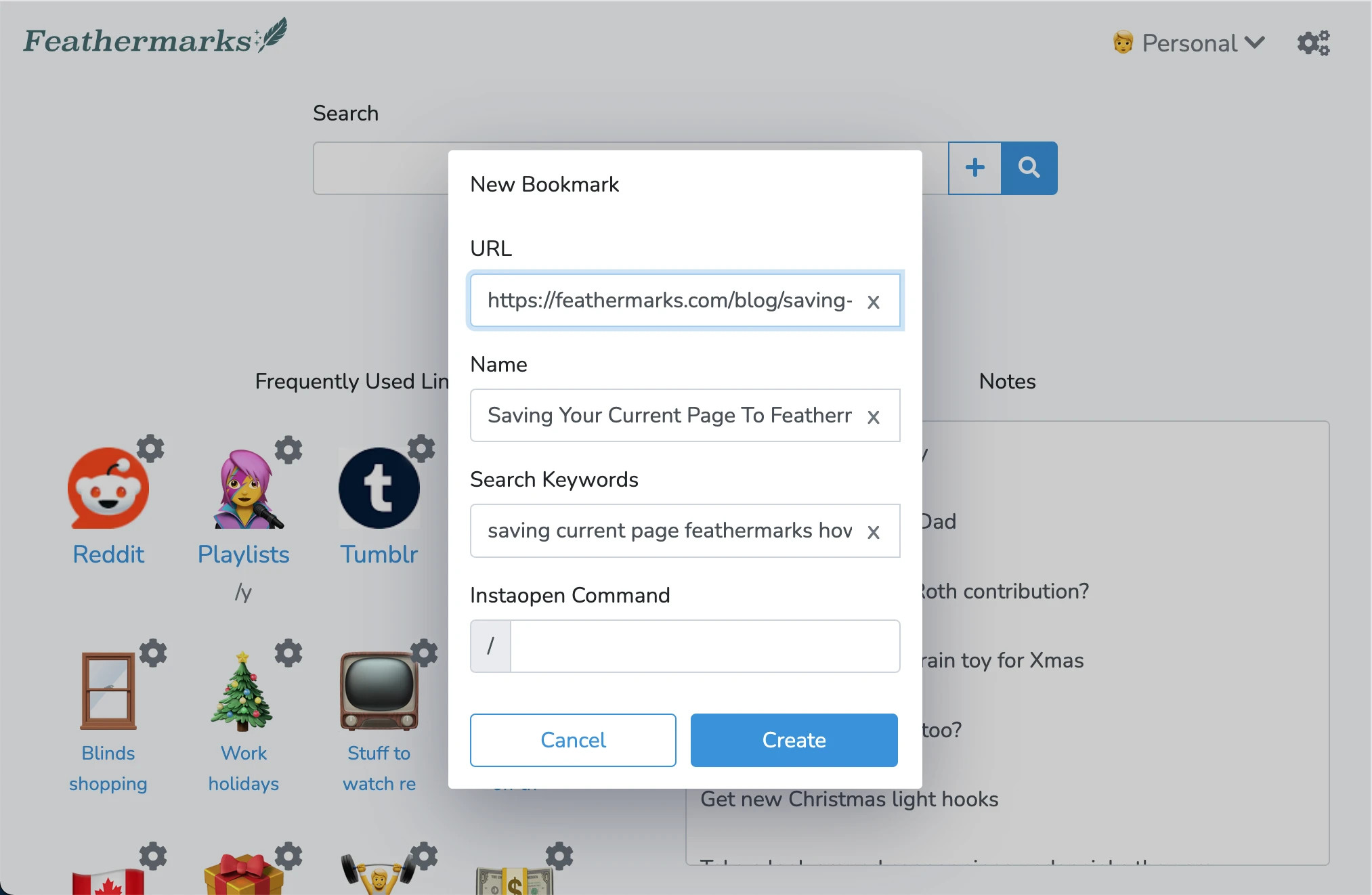
After clicking the above link, you'll be redirected to your Feathermarks dashboard with a popup window, giving you the chance to edit any details about the bookmark before saving it.
If you can't drag the link to save it
On many mobile devices and tablets you won't be able to save the link to your bookmarks bar by dragging it. Instead perform the following steps:
1. Bookmark this blog article webpage and save the bookmark to your bookmarks bar.
2. Click the link below to copy the button code to your clipboard
Copy Bookmarklet code
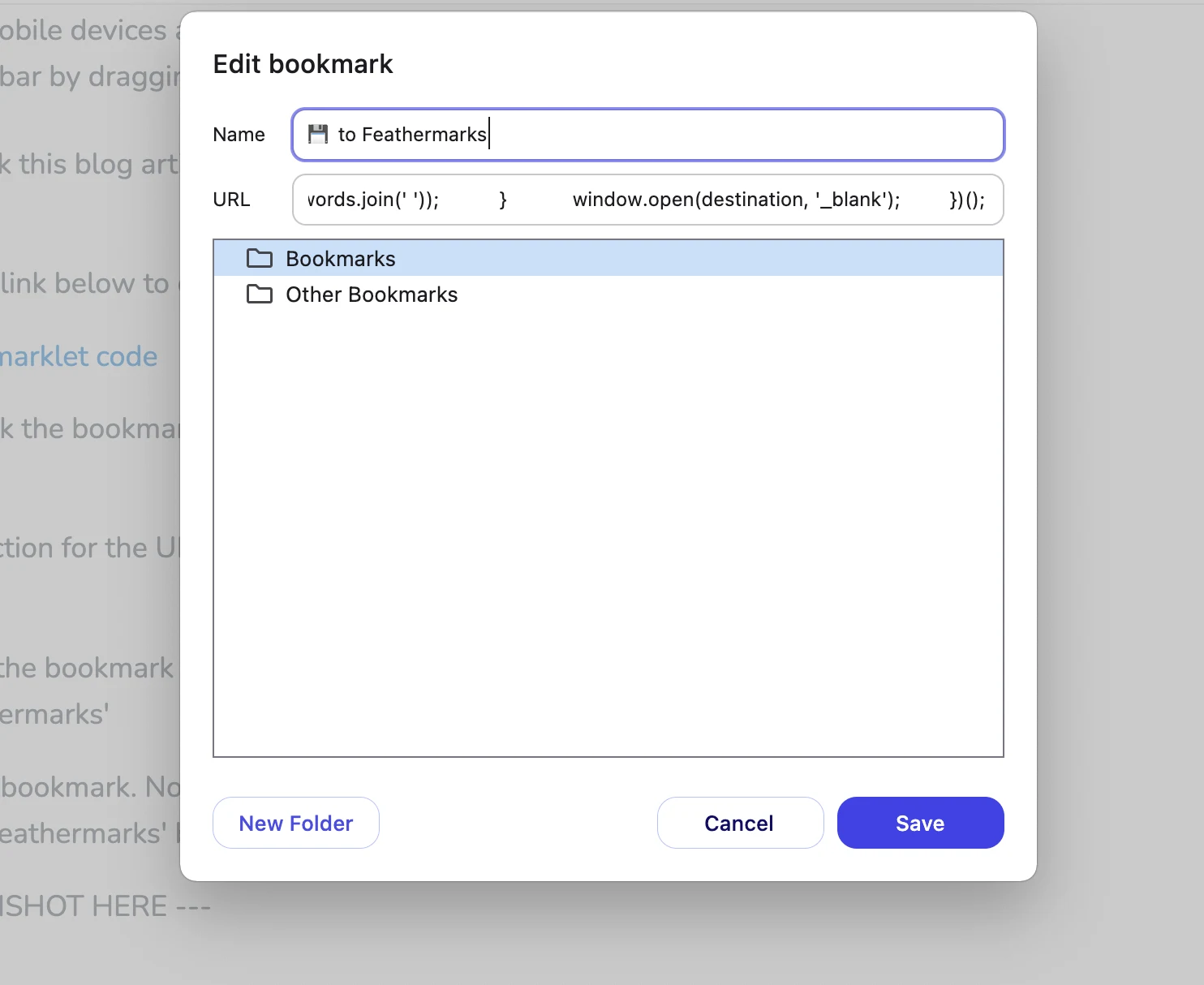
3. Right click the bookmark of this blog article page and click 'Edit' to change it's information
4. In the section for the URL, paste in the button code that was copied to your clipboard.
5. Rename the bookmark to describe what it does. Personally, I like
'💾 to Feathermarks'
6. Save the bookmark. Now you've successfully converted a normal bookmark into a 'Save to Feathermarks' button!
If all else fails
If your browser or your organization does not allow bookmarklets, you can always save a bookmark to Feathermarks through your Feathermarks dashboard interface.
First, copy the url of the page you are trying to save to your clipboard.
Next, open a new tab and navigate to your Feathermarks dashboard. Click on the button to the right of your searchbar:
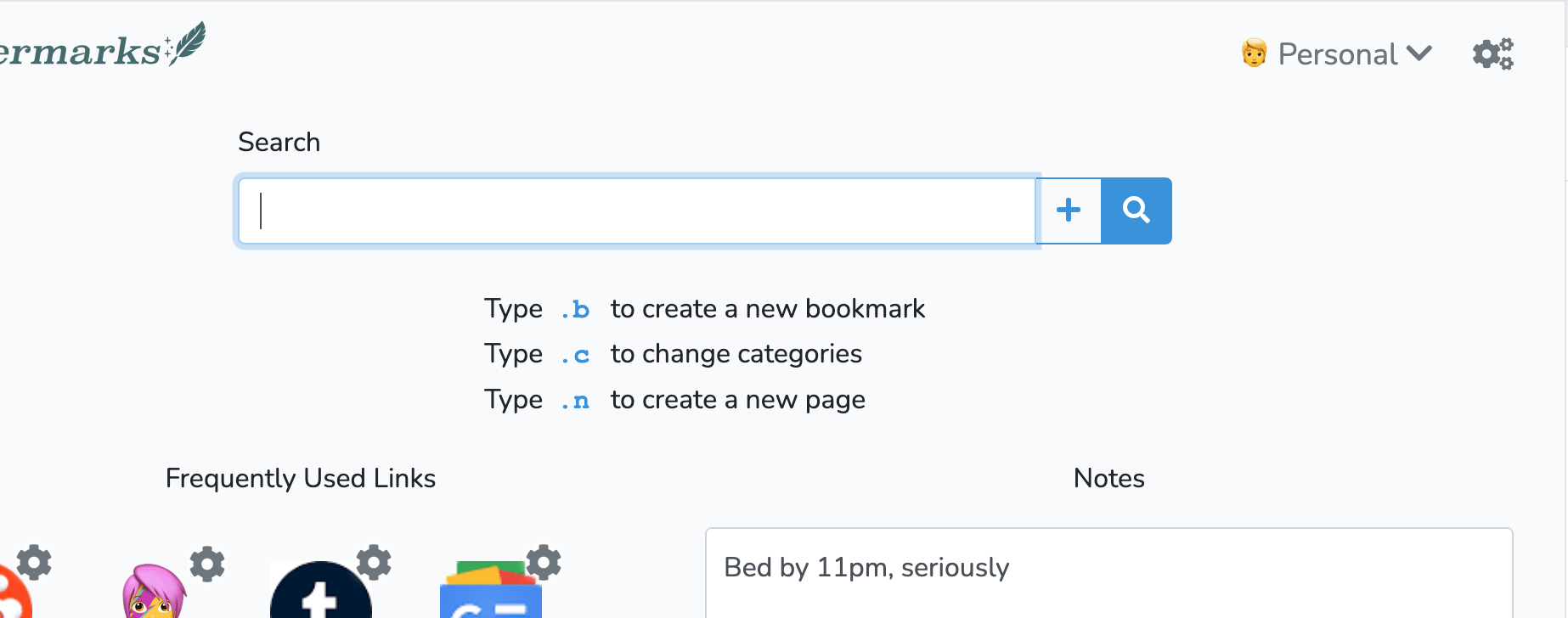
Paste the url you saved to your clipboard into the searchbar and press 'Enter'.
Lastly, follow the remaining prompts onscreen to save the new bookmark's name, search terms, as well as some additional options for working with the bookmark.
Copyright 2026, Feathermarks.com